Rased services: Getting started
What this area includes
From your first sign-in you know the state of your devices in a single sentence, with a permanent Telegram menu that needs no typing and a guide that updates itself with every new feature.
Illustration with invented data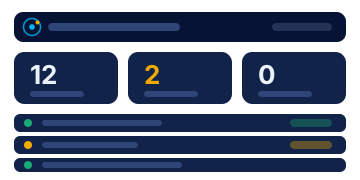
New This tag marks every feature added in the last month.
- Portal
My dashboard
See your devices, their status and what most needs your attention at a glance, with clickable indicators, a card for each device and a timeline of events.
- Portal
My account and details
Your personal details, photo and password. Rased uses them to address you by name and to greet you in your country’s dialect.
- Portal and TelegramNew
Usage guide
A guide built automatically from the current features of Rased, so it updates itself whenever a feature is added.
Ready to link your first device?
Access is by request: the Rased team reviews it and the platform manager approves it.